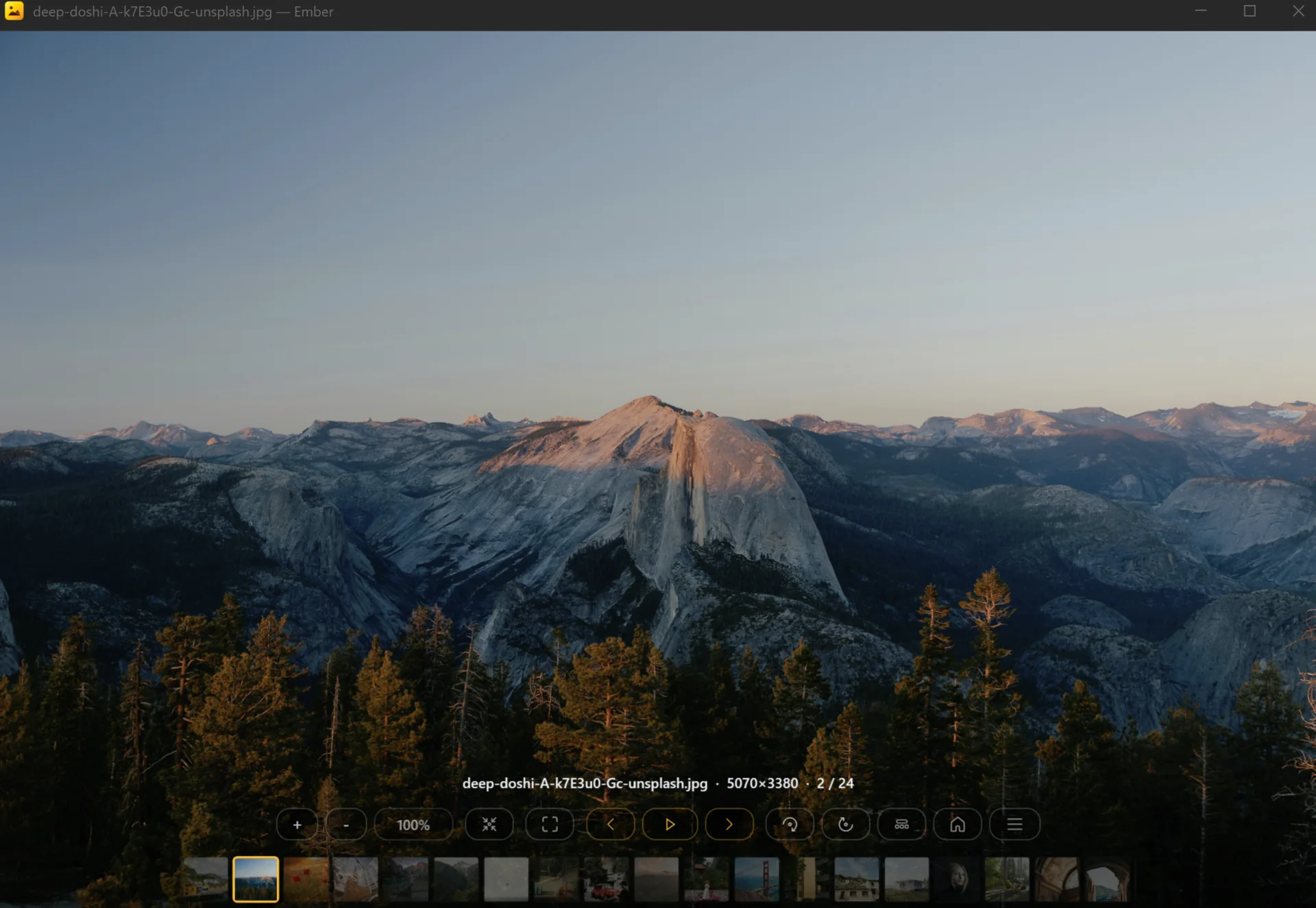
Every major camera, decoded fast
CR2, CR3, NEF, ARW, DNG, RAF, ORF, RW2, PEF, X3F, and 20+ more — opened progressively so the first frame appears immediately while full resolution loads in the background.
Ember opens RAW from any major camera, HEIC and AVIF from phones, comic archives without extracting, and 100+ other formats. Keyboard-driven, lightweight, built for photographers who actually move through their folders.
Ember is designed around the way photographers and image-heavy workflows actually move: open a folder, fly through it, mark what matters, get out. No editor sprawl, no project files, no account.
CR2, CR3, NEF, ARW, DNG, RAF, ORF, RW2, PEF, X3F, and 20+ more — opened progressively so the first frame appears immediately while full resolution loads in the background.
Phone photos, modern codecs, JPEG 2000, JPEG XR, PSD/PSB layered files, ORA, KRA, SVG, EPS, and animated GIF/WebP/APNG — all in one viewer.
Browse images inside archives without extracting them. Password prompts, folder-aware navigation, and resume-position memory for large comic books and photo dumps.
When you double-click a photo on an iPhone or Android in Explorer, Ember reconstructs the full device folder and lets you navigate it like any other source — without copying everything to disk first.
Files with GPano metadata open in a dedicated panorama viewer with drag, zoom, and auto-rotate. Switch between flat and 360° on demand. Mixed folders hand off seamlessly.
A tiled rendering path keeps zoom and pan responsive on huge static rasters. ICC color, HDR PQ tone mapping for HEIF, and a working-copy strategy that keeps the original free for delete and rename.
Photos from a phone, RAW from a camera, screenshots, archives, layered editor files, scientific imagery, multi-page documents — Ember covers the long tail without juggling separate apps.
See the full listPhotos
JPEG · PNG · BMP · TIFF · GIF · WebP · APNG · HEIC · HEIF · AVIF · JPEG XL · ICO
Camera RAW
CR2 · CR3 · NEF · NRW · ARW · DNG · RAF · ORF · RW2 · PEF · X3F · 3FR · IIQ · GPR · SRW · MRW
Creative & vector
PSD · PSB · XCF · ORA · KRA · SVG · SVGZ · EPS · PS · EMF · WMF
Documents & multipage
PDF · multipage TIFF · DCX
Archives
ZIP · RAR · 7Z · TAR · GZ · BZ2 · XZ · LZH · CBR · CBZ · CB7
Technical
EXR · DPX · Cineon · TGA · DDS · HDR · DICOM · QOI · PCX · PPM · SGI · plus more
Ember picks a screen-appropriate resolution first, then upgrades quality progressively. Big files feel responsive instead of blocking on a single heavy decode.
ICC color profile support across decode paths. HDR PQ HEIF from cameras like Canon is tone-mapped to SDR cleanly instead of looking washed out.
Keep Ember open next to Photoshop, Affinity, or Paint. Save in the editor and Ember reloads in place — keeping your zoom, pan, and position exactly where they were.
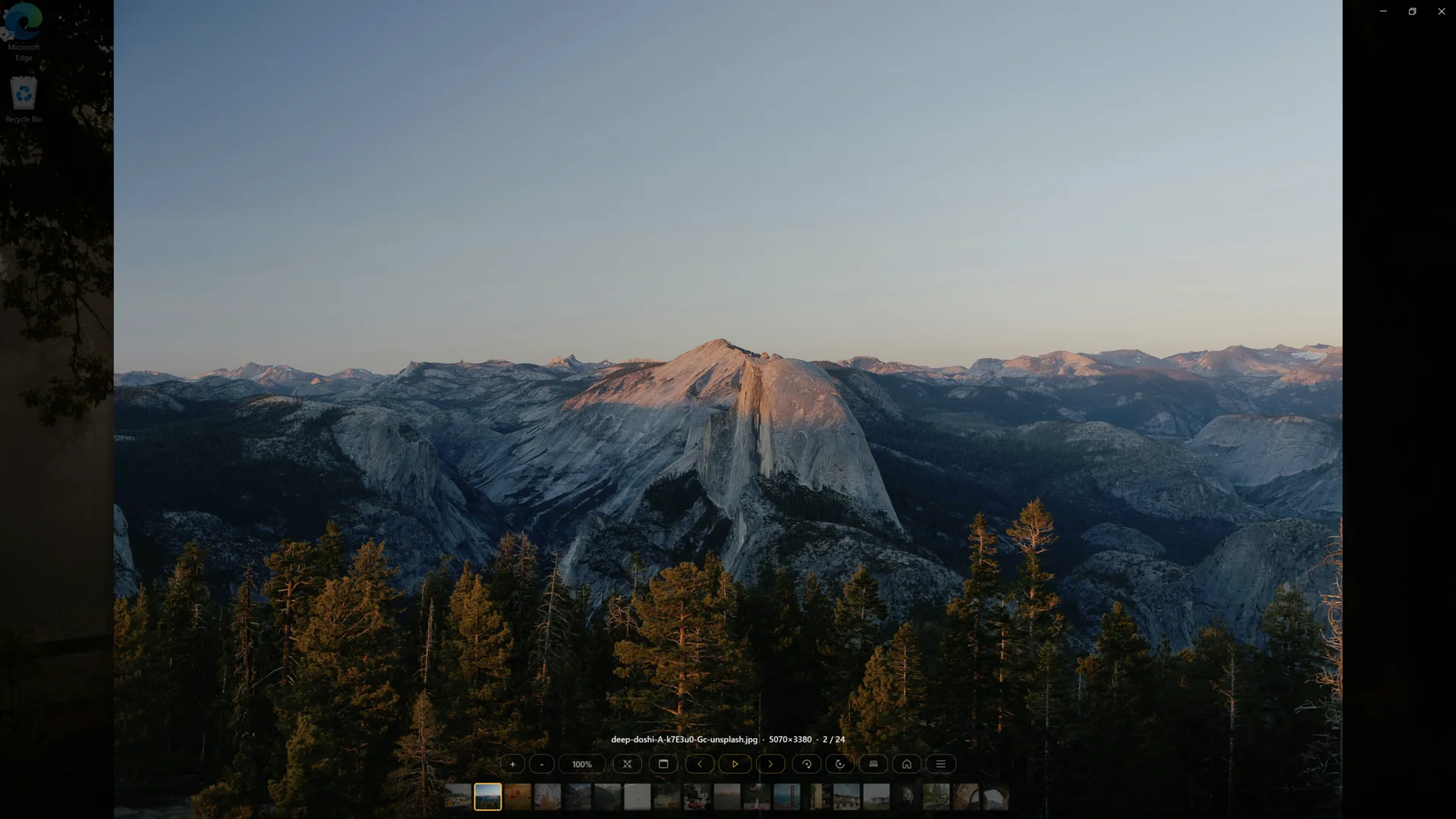
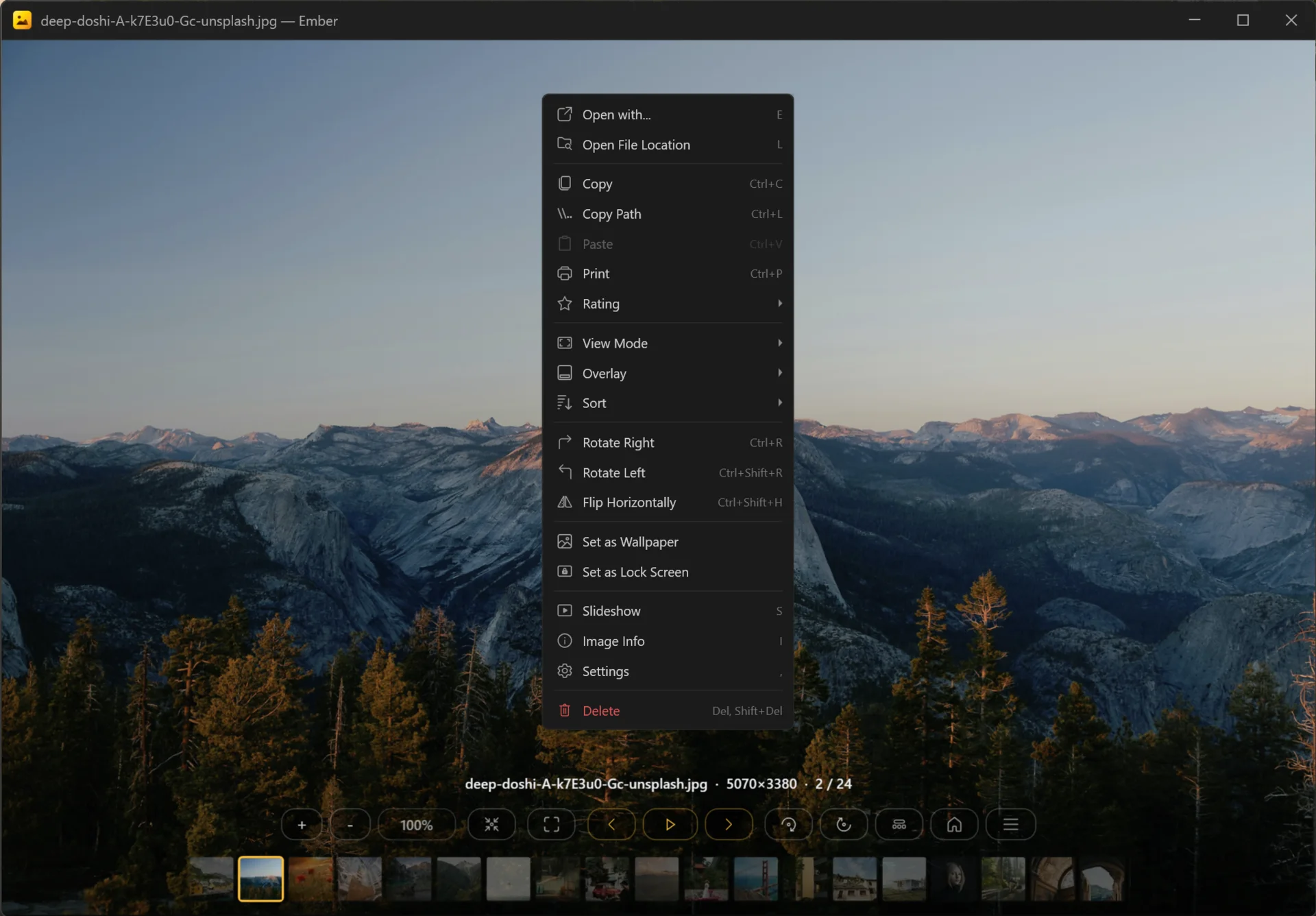
Ember is built for fast cull-and-review sessions. Every common action has a key, the bottom overlay can be cycled to whatever density fits the moment, and the cursor hides itself while you work.
Mouse wheel zooms or navigates — your choice in settings. Alt+wheel forces navigation, Ctrl+wheel forces zoom. Touch and precision-touchpad gestures work too.
Ember does one thing well. There is no library import step, no catalog, no project files, no cloud account. Open a file, browse the folder, and close it. Settings and ratings live in standard places so other tools can read them too.